
How To Register & Activate Your Salik Tag In Dubai: Complete Step-by-Step Guide
 April 28, 2025
, 7 Min Read
April 28, 2025
, 7 Min Read
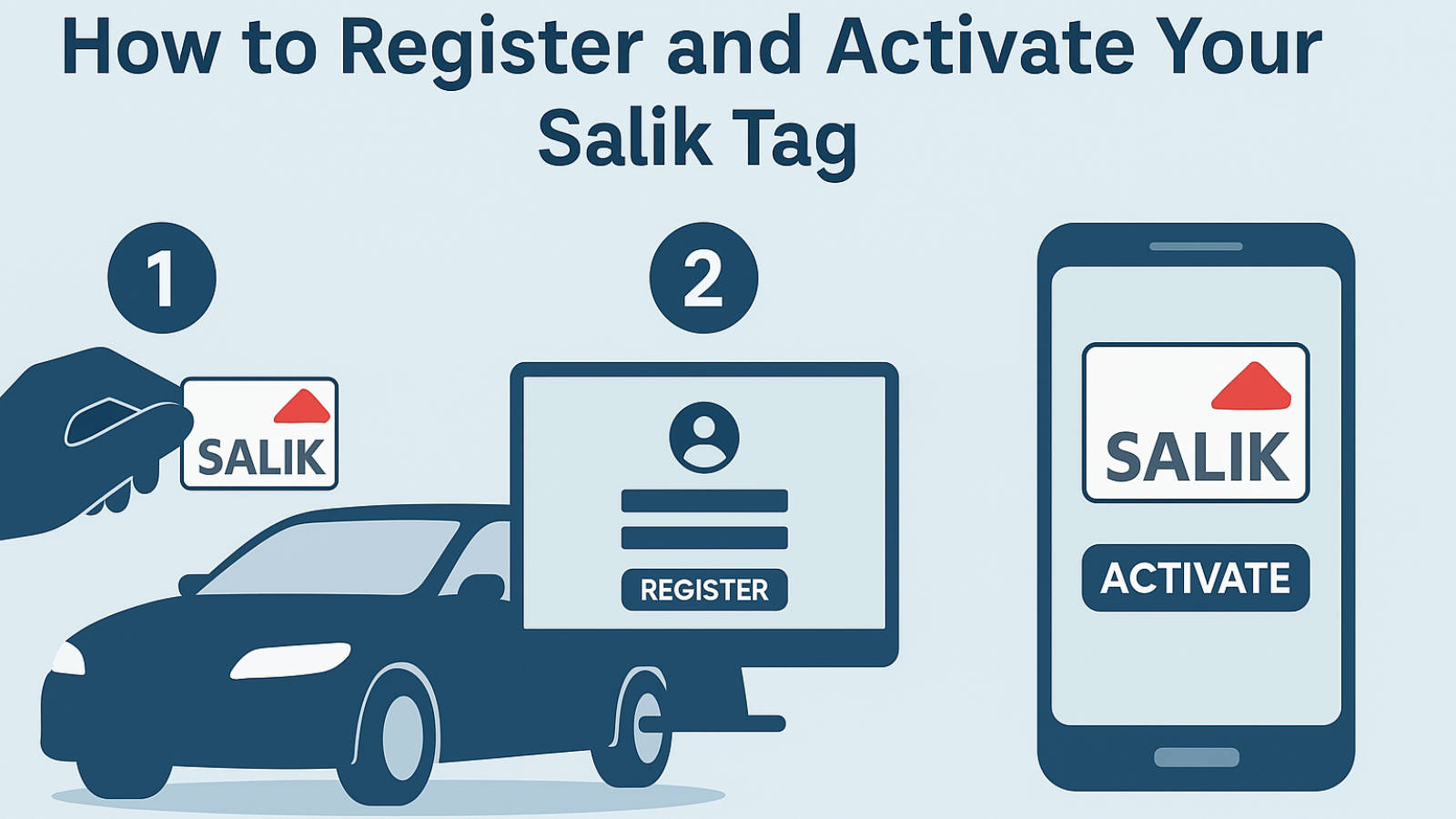
Dubai’s Roads and Transport Authority (RTA) has implemented the Salik electronic toll gate system to enhance traffic flow and reduce congestion. Car owners must purchase a Salik tag and affix it to their vehicle’s windshield.
As vehicles pass through Salik toll gates, a toll fee is automatically deducted from the registered Salik account. To avoid fines, activating the Salik tag after purchase is crucial. RTA announced new Salik tag pricing in Dubai, and here are all the details.
Why Activate Your Salik Tag?
Failing to activate your Salik tag can lead to fines and disruption when passing through toll gates. Additionally, it prevents automatic deduction of toll fees, which can cause delays and inconvenience. Salik activation ensures seamless travel and compliance with RTA regulations.
Documents Required for Salik Tag Activation
To activate your Salik tag, you will need the following:
- Salik tag number
- Activation key of the Salik tag
- Registered mobile number
- Vehicle registration card details (for vehicles registered outside the UAE or other emirates)
Channels to Apply for Salik Activation
Each activation channel offers different advantages:
- Salik Website or Mobile Application: Convenient and accessible from anywhere.
- RTA Dubai Application: Integrates various RTA services, including Salik management.
- Dubai Now Application: Quick access to multiple government services.
- Customer Happiness Centres: Offers direct assistance from RTA staff.
- Call Centre (800 72545): Suitable for those who prefer phone support.

How to Activate Your Salik Tag
Using the Salik Website or Mobile App
- Open the Salik app or visit their website.
- Log in or create a Salik account.
- Complete the necessary details and upload the required documents.
- Click on Activate Salik Tag.
- You will receive a confirmation message upon successful activation. Tip: Consider taking a screenshot of the confirmation for future reference.
Using the RTA Dubai App
- Open the RTA Dubai mobile app.
- Log in to your account.
- Go to the Salik section and select Tag Activation.
- Enter the required details and submit.
- Upon successful activation, you can manage your Salik account data through the app.
Using the Dubai Now App
- Launch the Dubai Now application.
- Log in to your profile.
- Go to Tag Activation.
- Submit the required documents and details.
Customer Happiness Centres
Visit one of the Customer Happiness Centres located in Umm Ramool or Deira during their working hours (typically from 7:30 AM to 3:30 PM on weekdays).
- Present the necessary documents to the officer.
- The officer will complete the tag activation process. Note: Carry all required documents and ensure your vehicle registration is up to date.
Call Centre
- Dial 800 72545.
- Follow the voice instructions and provide your mobile number and vehicle registration details.
- Your Salik tag will be activated upon successful verification.
Important Terms and Conditions
- Complete all activation steps until you receive a confirmation notification.
- If you have multiple Salik tags, each must be registered under a separate account.
- Once the activation is complete, you will receive your account and PIN code via SMS. You can then create an online Salik account and access other Salik services.
How to Recharge Your Salik Account
To continue using Salik toll gates without interruption, it’s important to keep your Salik account topped up. Here are the common ways to recharge:
Online Recharge
- Log in to your Salik account via the website or mobile app.
- Go to the recharge section.
- Enter your account number and recharge amount.
- Choose a payment method and complete the transaction.
Recharge via SMS
- Send an SMS in the correct format to the Salik recharge number.
- You must have a registered mobile number and a saved payment method.
Recharge via Kiosks or Banks
- Use a payment kiosk or visit a participating bank.
- Enter your Salik account details and the amount.
- Pay using a card or cash, depending on the machine.
Auto-Recharge Option
- Enable auto-recharge through your Salik account settings.
- Link your account to a credit card.
- The system will top up automatically when the balance drops below a certain limit.
Keeping your balance updated helps avoid fines and ensures smooth travel through toll gates.
Tips to Manage Your Salik Account
- Keep your account balance topped up to avoid fines.
- Use the Salik app to monitor your transactions and balances.
- If you encounter any issues, contact customer support.
- Update your contact information regularly to receive alerts and notifications.
- Enable push notifications on the Salik app to stay updated on your account status.
By following these steps, you ensure your Salik tag is activated correctly, helping you avoid fines and maintain seamless travel through Dubai’s toll gates.
FAQs
What is a Salik tag, and why do I need it?
A Salik tag is an electronic toll tag that automatically deducts toll fees when you pass through Dubai’s toll gates. To avoid fines, you must have a registered and activated Salik tag.
How do I activate my Salik tag after purchase?
You can activate your Salik tag using the Salik website, Salik mobile app, RTA Dubai app, Dubai Now app, Customer Happiness Centres, or by calling the call centre at 800 72545.
What documents are required for Salik tag activation?
You will need your Salik tag number, activation key, registered mobile number, and vehicle registration card details (especially for non-UAE or other emirate-registered vehicles).
How long does it take to activate the Salik tag?
Activation is usually instant when done through digital channels like the Salik website or mobile apps. For activation via Customer Happiness Centres, it might take a few minutes depending on the queue.
How can I check if my Salik tag is activated?
You can check your tag status by logging into your Salik account via the website or app, or by calling the Salik call centre.
How do I recharge my Salik account?
You can recharge online through the Salik website or app, via SMS, at kiosks or participating banks, or by enabling the auto-recharge option.
What happens if I do not activate my Salik tag?
If the tag is not activated, you may incur fines each time you pass through a toll gate. Additionally, the system will not deduct the toll fee automatically, leading to violations.
Can I transfer my Salik tag to another vehicle?
No, the Salik tag is linked to a specific vehicle and cannot be transferred. You must purchase and activate a new tag for each vehicle.
How can I update my personal details on my Salik account?
You can update your details through the Salik website, app, or RTA Dubai app by logging in and selecting the profile or account settings.
What should I do if my Salik tag is lost or damaged?
You need to report the lost or damaged tag to the Salik customer support or visit a Customer Happiness Centre to deactivate the old tag and purchase a new one.
Also Read:
- Ultimate Guide To Car Registration Renewal In Dubai
- Top 10 Tips To Choose The Best Car Insurance
- How To Get The Best Price For My Used Car?
Follow us on

Recent Stories

Used Nissan Patrol Buying Guide: What To Check Before Paying
Few used SUVs have as much appeal in the UAE as the Nissan Patrol. Whether it is an old-school Y60,...

UAE Petrol Prices October 2026: How Much Does A Full Tank Cost?
Petrol prices in the UAE have jumped sharply for October 2026, putting the cost of filling up firmly back in...
Petrol Prices Rise In The UAE: Why Costs Increased And How To Save On Fuel
Fuel prices in the UAE have seen a sharp rise in April 2026, placing added pressure on everyday drivers. With...
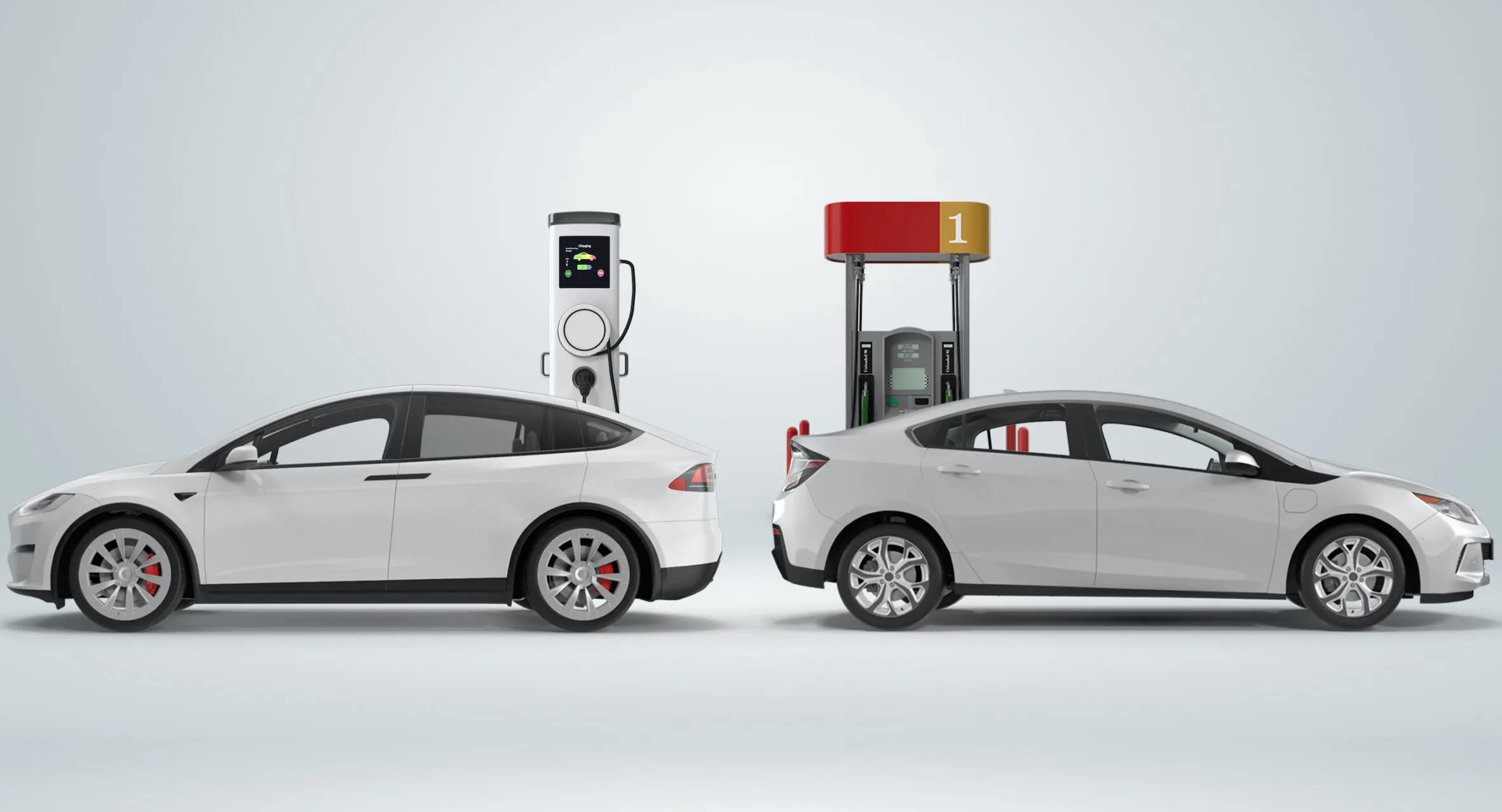
UAE Petrol Prices Increase: Should You Buy An EV Or Hybrid In 2026?
Fuel prices are climbing once again, and with every increase, the same pattern emerges. People don’t complain much about the...

Trade-In vs Private Sale In The UAE: Which Leaves You With More Money?
Selling your car before upgrading should put money towards your next purchase. Yet the highest offer doesn’t always mean the...
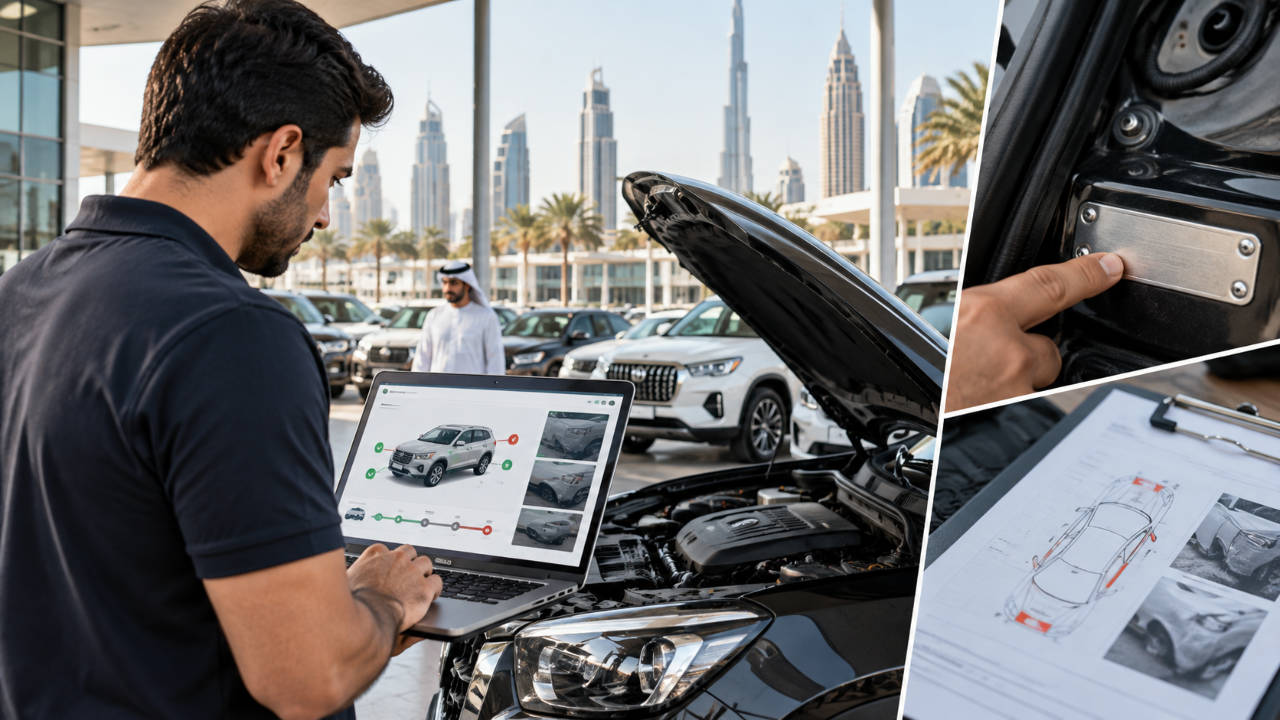
Car Accident History In The UAE: What Reports Can And Cannot Tell You
Checking a car’s accident history should be one of the first steps when buying a used car in the UAE....