
Salik Recharge In Dubai: Complete Guide To Top-Up Methods & Fines
 March 10, 2025
, 8 Min Read
March 10, 2025
, 8 Min Read
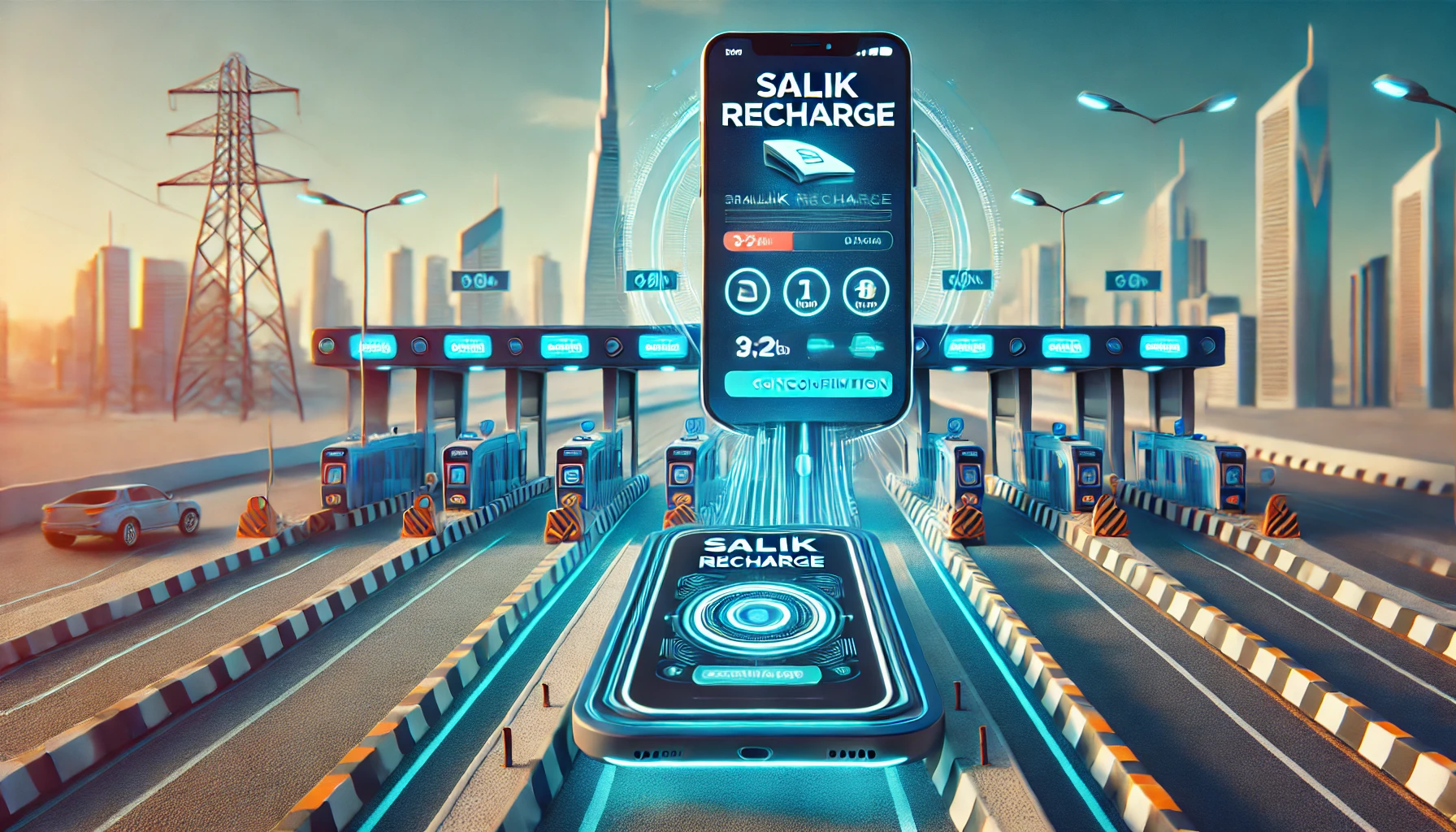
The Roads and Transport Authority (RTA) introduced the Salik system to manage traffic congestion efficiently on Dubai’s highways. This toll system has significantly improved traffic flow across the city while also encouraging the use of public transport. Beyond easing road congestion, RTA has ensured that recharging a Salik account is simple and hassle-free by offering multiple recharge methods.
With several options available, motorists can top up their Salik balance conveniently, avoiding unnecessary delays. This guide explores all the online and offline methods for Salik recharge in Dubai. Recently RTA has revised the pricing for Salik in Dubai—check this linked article for more details.
How To Recharge Salik In Dubai At Glance
Before recharging, check your Salik account balance to ensure you have enough credit to pass through toll gates. If the balance is low, top up your account using any of the following methods:
Available Salik Recharge Channels
You can recharge your Salik account using a Salik recharge card or a credit card, depending on the channel you choose. Here are the methods available:
- Salik Helpline (Phone Call)
- SMS Recharge
- Salik Kiosks
- Cash Deposit Machines (CDMs)
- Banks and ATMs
- Salik Website
- Smart Apps: Smart Salik, RTA Dubai Drive, Dubai Now
Salik Recharge Card Options and Prices
Recharge cards are one of the easiest ways to add credit to your Salik account. These are available in AED 50, AED 100, and AED 200 denominations and can be used via call, SMS, or the Salik website.
How To Recharge via Phone Call
- Scratch the card to reveal the 12-digit recharge number.
- Call 800-SALIK (72545).
- Select your preferred language.
- Enter the 12-digit recharge number when prompted.
- A confirmation message with updated balance details will be sent.
How To Recharge via SMS
- Scratch the card to reveal the 12-digit recharge number.
- Compose a message in this format: R12-digit numberSalik account numberSalik PIN
- Send it to 5959.
- Receive a confirmation SMS with your updated balance.
Salik Recharge via Self-Service Kiosks
Smart kiosks to recharge salik are available in the following key locations:
- Deira
- Al Barsha
- Al Aweer
- Al Kifaf
- Al Towar
- Umm Ramool
Steps To Recharge At A Kiosk
- Log in using your registered email and password.
- Select the Recharge option.
- Insert cash to add balance.
- Your Salik account will be credited instantly.
Salik Recharge Through Banks
Many banks in Dubai offer Salik recharge through various channels such as ATMs, SMS, mobile banking, IVR, and CDMs. Some banks also provide auto top-up services, but you must confirm availability with your bank.
Banks Offering Salik Recharge
| Bank | Website | IVR | ATM | Mobile App | CDM | SMS |
| Emirates NBD | ✓ | ✓ | ✓ | ✓ | ✓ | ✓ |
| Dubai Islamic Bank | ✓ | ✓ | ✓ | ✓ | ✓ | ✓ |
| Abu Dhabi Commercial Bank | ✓ | ✓ | – | ✓ | – | – |
| First Abu Dhabi Bank | ✓ | ✓ | – | ✓ | ✓ | – |
| Mashreq Bank | ✓ | – | – | – | – | – |
| RAKBANK | ✓ | ✓ | ✓ | ✓ | – | – |
| Sharjah Islamic Bank | ✓ | ✓ | ✓ | – | – | – |
| Abu Dhabi Islamic Bank | ✓ | ✓ | – | ✓ | ✓ | – |
| Al Hilal Bank | ✓ | ✓ | ✓ | – | ✓ | – |
| Ajman Bank | ✓ | ✓ | ✓ | ✓ | – | – |
| United Arab Bank | ✓ | – | ✓ | – | – | – |
Confirm with your bank, as available recharge options may change.

Online Salik Recharge in Dubai
There are two ways to top up Salik online:
- Through the Salik website
- Using smart apps: Smart Salik, RTA Dubai Drive, Dubai Now
How To Recharge Online Using A Credit Card
- Visit the Salik Website.
- Navigate to Salik Services > MyTag > Recharge.
- Select Online Payment.
- Enter your account details (Mobile number, Country, Emirate, Plate Code & Number).
- Choose the amount and proceed to payment.
- Enter credit card details and confirm the payment.
- A confirmation page will appear once the recharge is successful.
How To Recharge Online Using A Recharge Card
- Log in to the Salik Website.
- Go to Salik Services > MyTag > Recharge.
- Select Recharge Number as the payment method.
- Enter your account details.
- Input the 12-digit recharge card number and click Recharge.
- A confirmation page will display upon successful recharge.
Note: Minimum recharge: AED 50 | Maximum: AED 50,000 (in multiples of 50).
Salik Recharge Using RTA Dubai App
The RTA Dubai App allows users to perform all account-related transactions with ease.
How To Recharge via App Using A Recharge Card
- Download RTA Dubai app (iOS | Android).
- Sign up with your account number and PIN.
- Select Recharge.
- Enter the 12-digit recharge card number or scan it using your phone camera.
- Receive a confirmation message.
How To Recharge via App Using A Credit Card
- Download RTA Dubai app.
- Sign up and log in.
- Select Online Payment.
- Enter the amount (multiples of 50 only).
- Input credit card details and confirm.
- A confirmation message will appear.
Salik Fines & Penalties
- If you pass through a Salik toll gate without sufficient balance, you have five working days to recharge your account.
- Failure to recharge within the grace period will result in a daily fine of AED 50.
- If your vehicle is not registered with Salik and you pass through a toll gate, you will receive a fine of AED 100 for the first violation, AED 200 for the second, and AED 400 for the third and subsequent violations.
- Ensure your Salik tag is properly affixed to avoid incorrect toll deductions or fines. Here is a detailed guide on all the traffic fines and penalties in Dubai.
Important Considerations
- Ensure your Salik account has sufficient balance before passing through toll gates to avoid fines.
- If your account runs out of credit, you have five working days to recharge it.
- Failure to recharge within the grace period will result in a daily fine of AED 50.
- The minimum top-up amount per transaction is AED 50, and the maximum is AED 50,000.
By using the most convenient recharge method, motorists can ensure smooth travel across Dubai’s roads without interruptions. Stay updated with the latest Salik recharge options by checking the official RTA website or using RTA’s smart applications.
FAQs
How can I recharge my Salik account?
You can recharge your Salik account through various methods, including the Salik website, RTA Dubai App, Dubai Now App, Careem App, self-service machines, SMS, and the Salik Call Centre.
What is the minimum and maximum recharge amount per transaction?
The minimum recharge amount is AED 50, and the maximum is AED 50,000 per transaction. Recharge amounts should be in multiples of 50.
Can I recharge someone else’s Salik account?
Yes, you can recharge another person’s Salik account if you have their account number and PIN or their mobile number and plate number. This can be done through the Salik website, Smart Salik App, or by contacting the Salik Call Centre.
Are there any fees associated with recharging via SMS?
Yes, when recharging through SMS, a service fee of 30 fils will be deducted by the mobile operator.
How do I check my Salik account balance?
You can check your Salik balance through the Salik website, RTA Dubai App, Dubai Now App, or by calling the Salik Call Centre at 800 SALIK (72545).
What happens if I pass through a Salik toll gate with insufficient balance?
If you pass through a toll gate with insufficient balance, you have a grace period of five working days to recharge your account. Failure to do so will result in a violation of AED 50 incurred each day per vehicle.
Can I set up auto top-up for my Salik account?
Yes, some banks offer auto top-up services for Salik accounts. You need to confirm with your bank whether they provide this service.
Where can I purchase Salik recharge cards?
Salik recharge cards can be purchased through petrol stations (Enoc, Adnoc, and Emarat) and e-vouchers through Axiom Telecom and their authorized partners.
Is the Smart Salik App still available?
The Smart Salik App was discontinued in December 2021. Salik services are now available on the RTA Dubai and other smart channels.
How do I update my mobile number in my Salik account?
You can update your mobile number through the RTA Dubai App, Salik website, or by calling the Salik Call Centre at 800 SALIK (72545).
Find used cars for sale in the UAE and new cars for sale in the UAE.
Stay tuned to UAE’s most popular auto blog for more information about the latest happenings in all of the Emirates.
Also Read:
- Guide On How To Pay Dubai Traffic Fines
- New UAE Traffic Law In The UAE
- 7 Factors That Will Make Your Car Price Drop
Follow us on

Recent Stories
Can You Own An EV In Dubai Without Home Charging?
Electric cars are becoming easier to own in Dubai thanks to longer ranges and a growing charging network. But can...
Complete Guide On How To Place Requests With RTA In Dubai
Dubai’s Roads and Transport Authority (RTA) manages roads, public transport, vehicle and driving services across the emirate. Residents and visitors...
How To Get The Best Car Loan Interest Rate In The UAE For Used & New Cars
Getting the lowest possible car loan rate in the UAE is not just about finding the bank advertising the smallest...

Is It Safe To Sleep In A Car? Risks and Safety Tips
Long drives, road trips and late-night journeys can leave drivers feeling exhausted. In those situations, pulling over for a short...
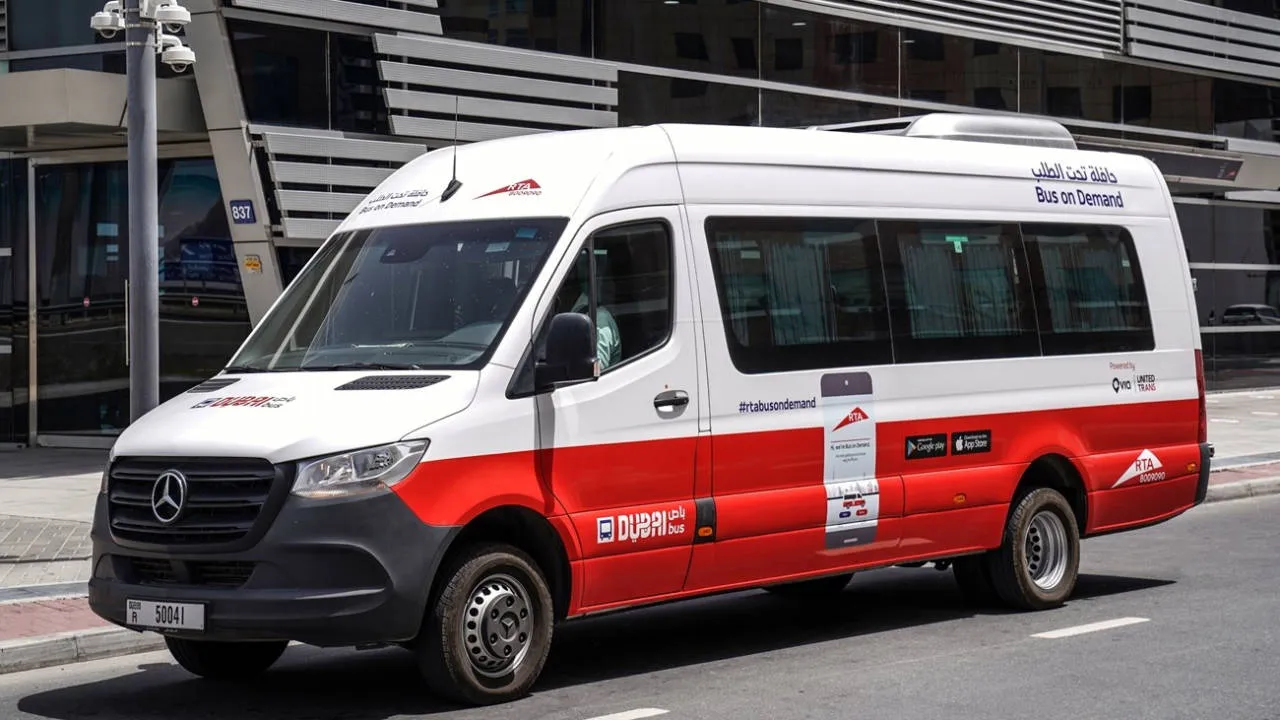
A Complete Guide To RTA Bus On-Demand Service In Dubai
Dubai’s public transport network continues to expand, and the RTA Bus On Demand service is becoming an increasingly useful option...

Top 10 Cars To Rent In The UAE
Renting a car is one of the easiest ways to travel across the UAE. From affordable daily commuters to luxury...